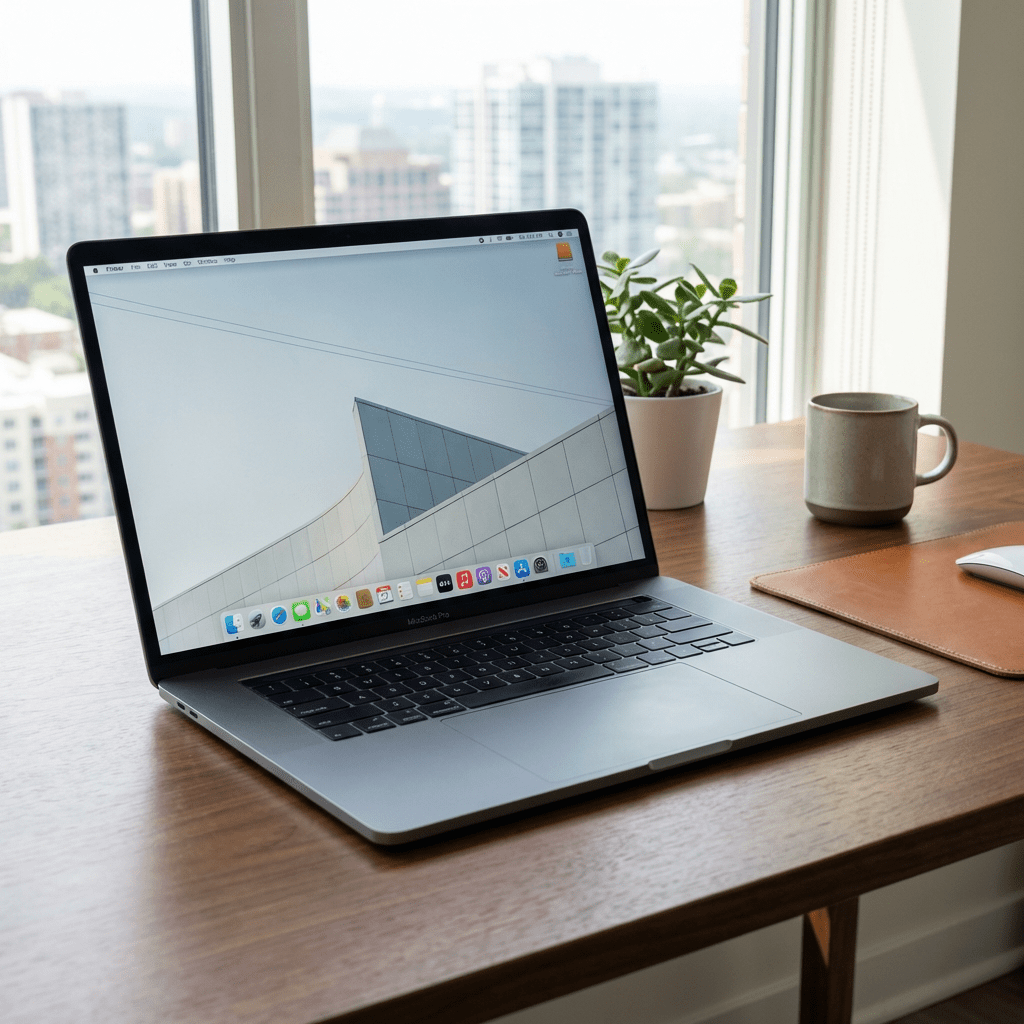
How to Troubleshoot a Computer That Isn’t Working | Customized Technology in Rochelle, IL
By Todd Schlosser
When your computer suddenly stops working, it can be frustrating and disruptive. Whether you use your device for work, school, gaming, or everyday tasks, a computer issue can bring everything to a halt. At Customized Technology in Rochelle, Illinois, we help local residents and small businesses diagnose and fix computer problems quickly. Before calling for professional help, there are a few simple steps you can take to troubleshoot the problem safely.
Start With the Basics
If your computer won’t turn on, first check the power source. Make sure the power cable is securely connected to both the computer and the wall outlet or surge protector. If you are using a laptop, confirm the charger is plugged in properly and look for any charging light. Sometimes the issue is as simple as a loose connection, dead battery, or faulty power strip.
If the computer appears to have power but the screen is blank, check the monitor. Make sure it is turned on, connected properly, and set to the correct input. For desktop computers, verify that the video cable is attached securely.
Look for Signs of Life
Pay attention to what the computer is doing. Are there any lights, fan noises, beeps, or error messages? These details can help identify whether the problem is related to power, hardware, or software. If the computer turns on but will not load Windows, it may be dealing with a startup issue, corrupted files, or a failing hard drive.
For laptops and desktops alike, disconnect any unnecessary external devices like USB drives, printers, or docking stations. Sometimes an accessory can interfere with startup and prevent the computer from booting correctly.
Try a Simple Restart
A forced shutdown and restart can sometimes solve temporary glitches. Hold the power button down for several seconds until the machine fully shuts off. Wait about 20 to 30 seconds, then power it back on. If your computer is frozen, running extremely slow, or stuck on a loading screen, this may help clear the issue.
If you can log in but the computer is still not working properly, open Task Manager to see if a program is consuming too much memory or processing power. Slow performance may be caused by too many background applications, malware, or aging hardware.
Watch for Warning Signs
If you hear clicking sounds from the hard drive, smell something burning, or the computer repeatedly crashes, do not keep forcing it to run. These can be signs of serious hardware failure. Continuing to use the computer could make the damage worse or lead to data loss.
Local Computer Repair in Rochelle, Illinois
If you have tried the basics and your computer still is not working, Customized Technology is here to help. We provide computer troubleshooting, repair, upgrades, and IT support in Rochelle, IL and surrounding areas. Whether you are dealing with a desktop that will not boot, a laptop with power issues, or a slow computer that needs diagnosis, we can help get you back up and running.
Need help with your computer? Contact Todd at Customized Technology today.
Email: Todd@customizedtechnology.net
Phone: 815-761-2039


 Customized Technology
Leave a comment